 SafeSelect
 Inspect, don’t administer.
Discover schemas and collections, inspect bounded results and explain queries. No database write or migration tools.
Database context. Not database control.
Read-only PostgreSQL & MongoDB access for coding agents.
Debug with real database context, without exposing write tools. SafeSelect MCP puts local, project-scoped policy between your agent and your data.
Open source · Local MCP stdio · macOS & Linux · Java 17+
The boundary covers requests through SafeSelect. Use least-privilege database roles and keep direct credentials and alternative write tools away from the agent.
FROM CONNECTION TO CONTEXT
Import from DBeaver, Docker Compose or MongoDB Compass. SafeSelect follows the repository convention first: with one environment, checks and agent setup infer it automatically.
Follow DBeaver → Codex →Run from your application repository. Start with a development database or sanitized replica. Other installation options.
$ brew install antonillos/tap/safeselect$ safeselect import-dbeaver ~/Downloads/connections.dbp# The sole environment is inferred by convention.$ safeselect check$ safeselect agent install codex --local✓ MCP entry installed for codexReview imports and policy yourself. Never paste an export or database password into the agent chat. If the project has multiple environments, add --environment <name> deliberately to avoid touching an unrelated database.
NARROW BY DESIGN
Discover schemas and collections, inspect bounded results and explain queries. No database write or migration tools.
Use MCP over stdio, with no MCP network listener. Scope access by project and environment, with row, byte and time limits.
Security violations terminate the process. Read the threat model and reproducible tests—including what they do not guarantee.
THE CLI, IN CONTEXT
Imports, checks, posture and connection recovery are easier to remember when the important output is visible. Browse the grouped gallery, then copy the exact command you need.
Explore the CLI gallery →Import connections
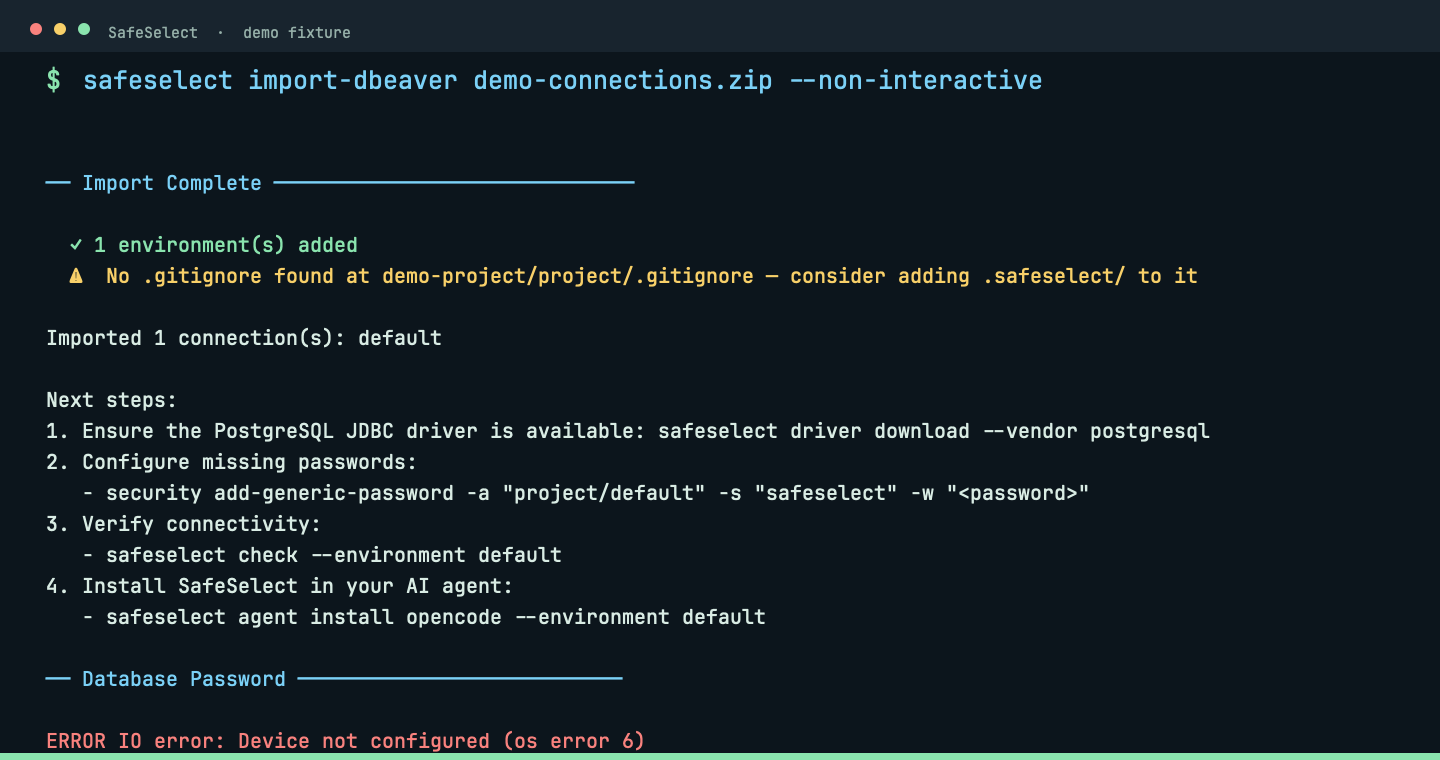
Import a DBeaver export into .safeselect/.
safeselect import-dbeaver ~/Downloads/connections.zipThe importer keeps the connection shape while leaving passwords outside project files.
 View full size ↗
Import connections
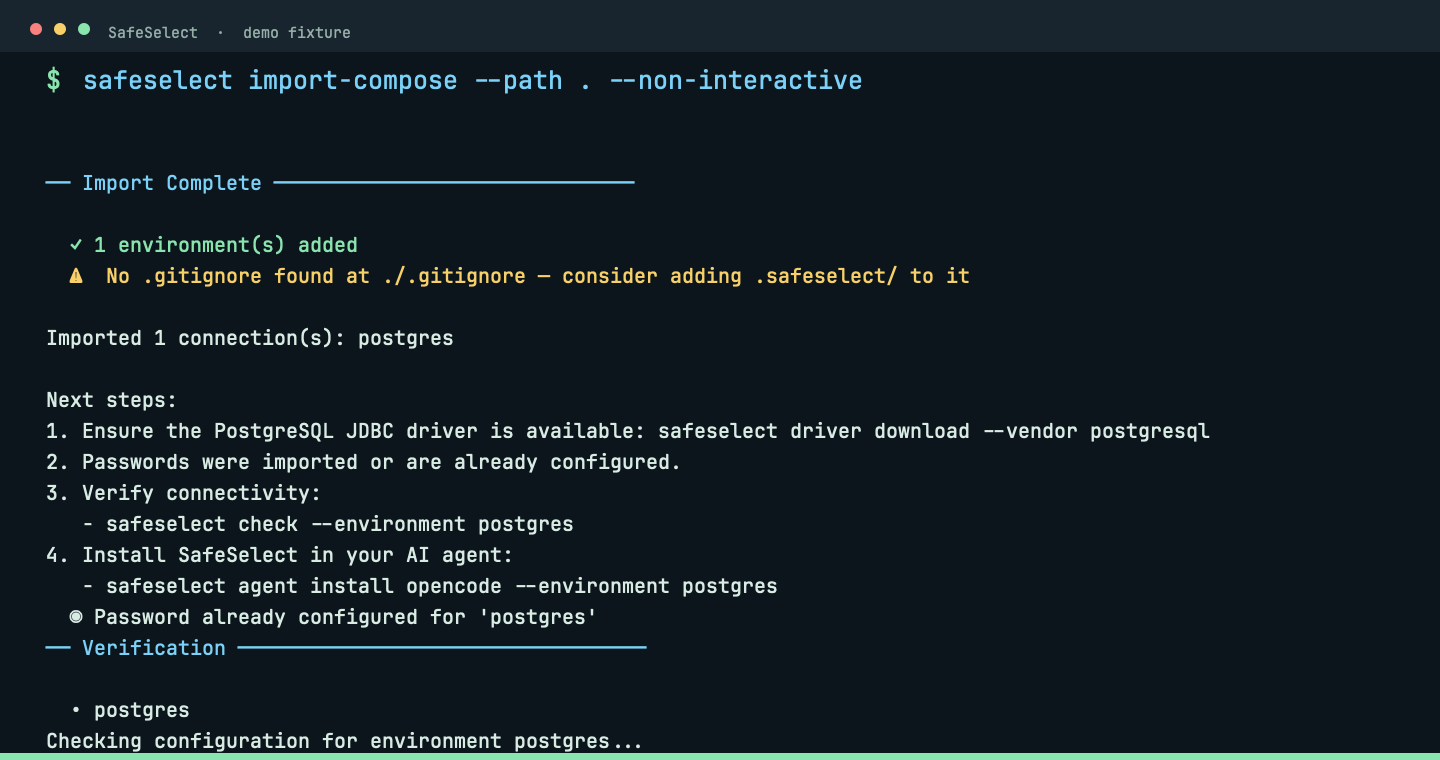
Discover PostgreSQL services from Docker Compose.
safeselect import-compose --path .Compose discovery turns an existing local service into a project environment.
 View full size ↗
Import connections
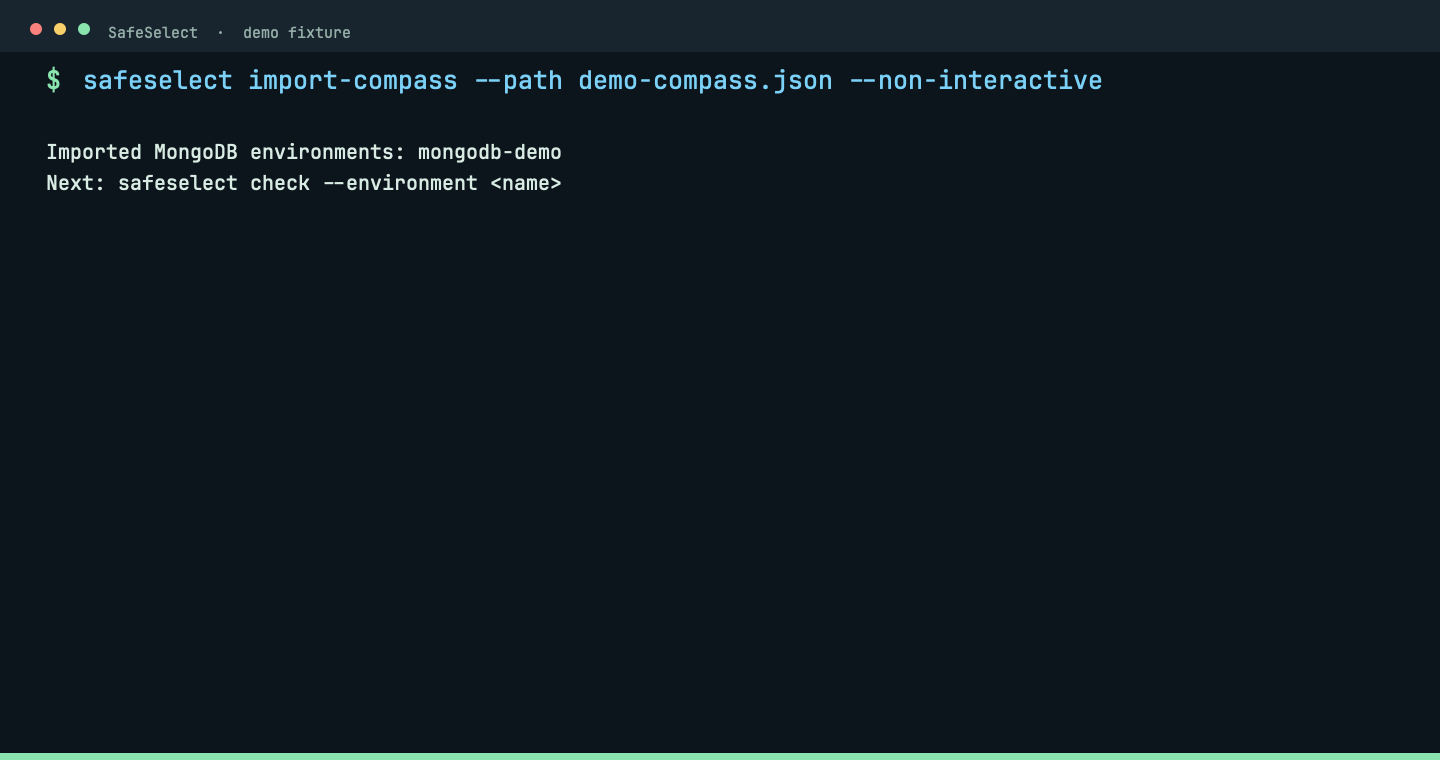
Import MongoDB Compass connections.
safeselect import-compass --path ~/.config/MongoDB CompassCompass imports preserve MongoDB connection details without exposing credentials.
 View full size ↗
Prepare the project
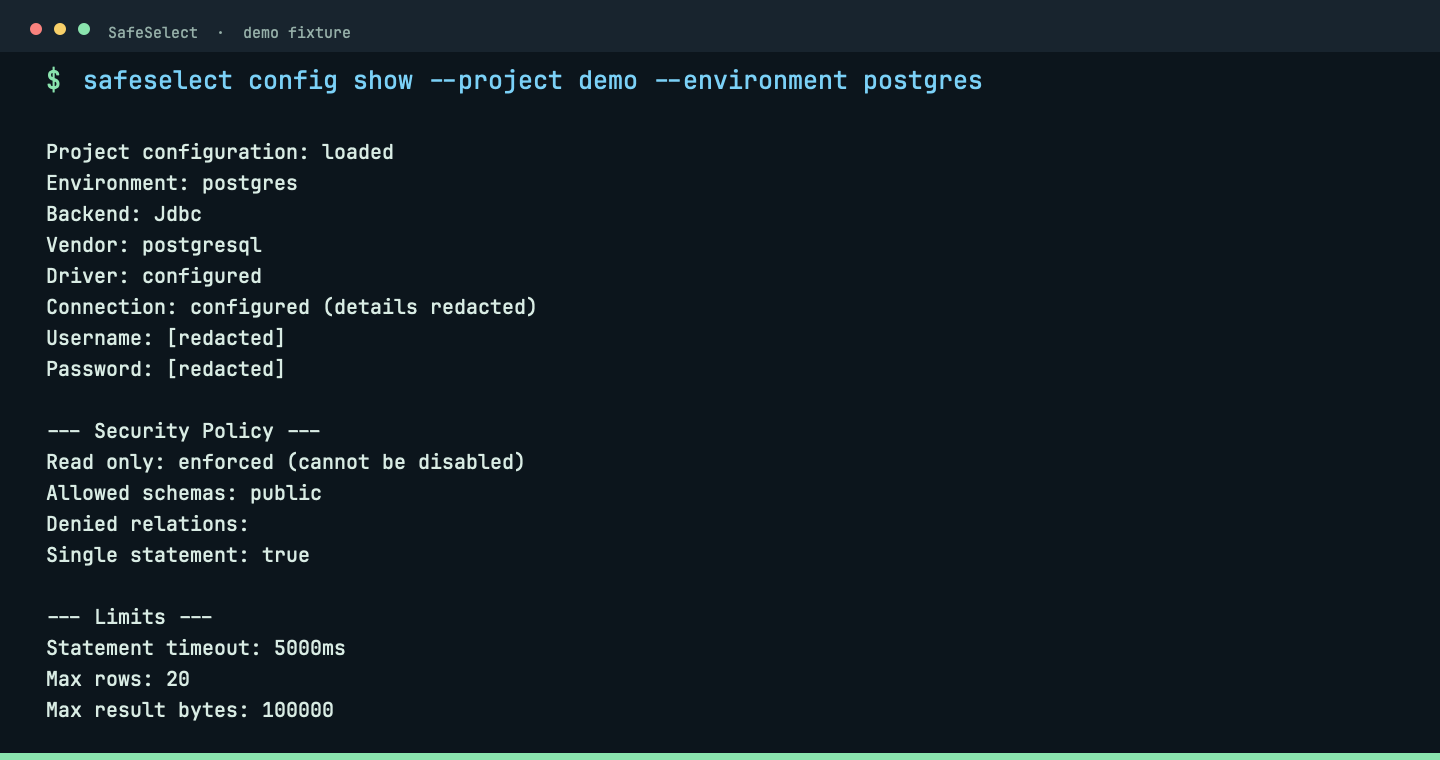
Validate, inspect and maintain project configuration.
safeselect config show --project demo --environment postgresConfiguration show reports a safe, redacted policy summary before the server starts.
 View full size ↗
Prepare the project
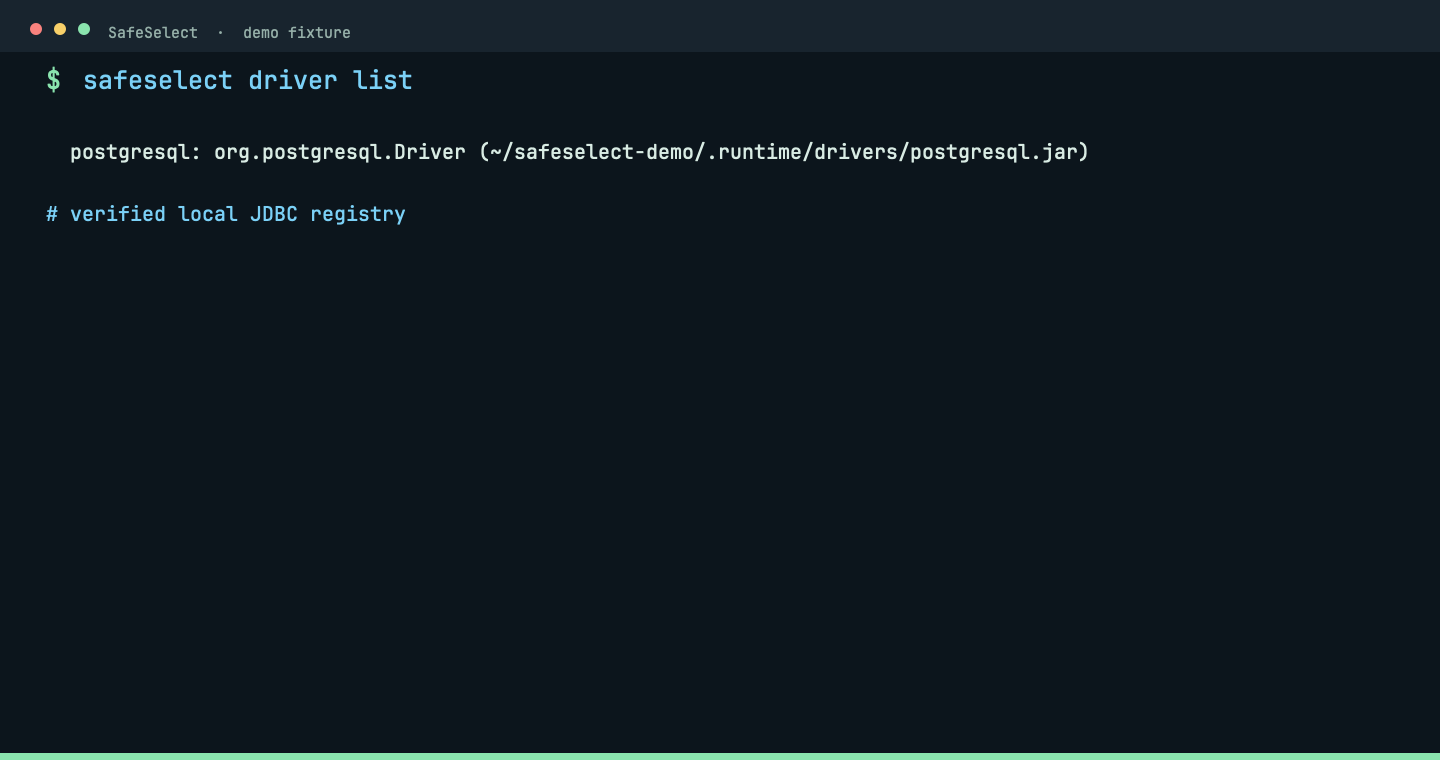
Register and verify JDBC drivers.
safeselect driver listThe driver registry shows the vendor and local verified artifact.
 View full size ↗
Prepare the project
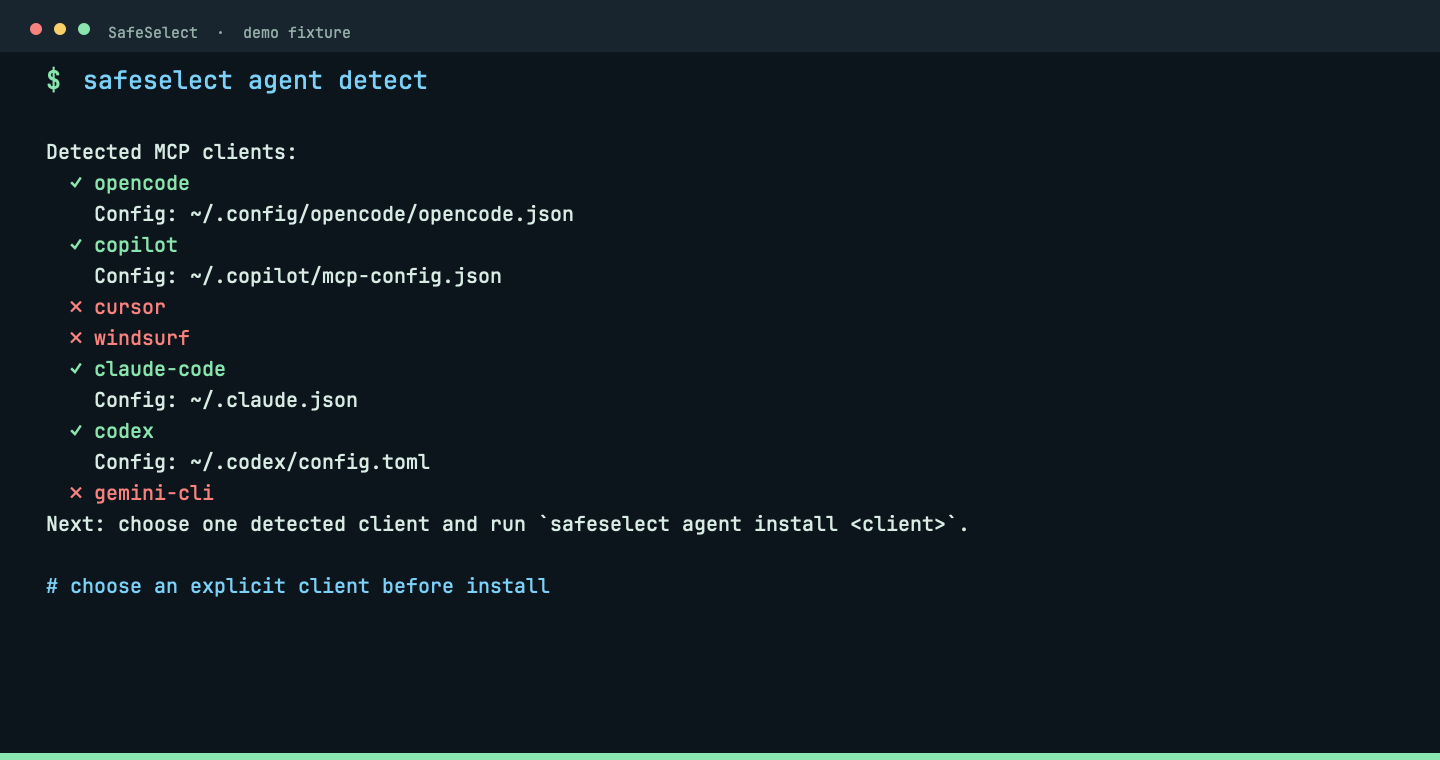
Detect clients and install their MCP entry.
safeselect agent detectDetection lists available clients before an explicit project-scoped MCP install.
 View full size ↗
Verify and diagnose
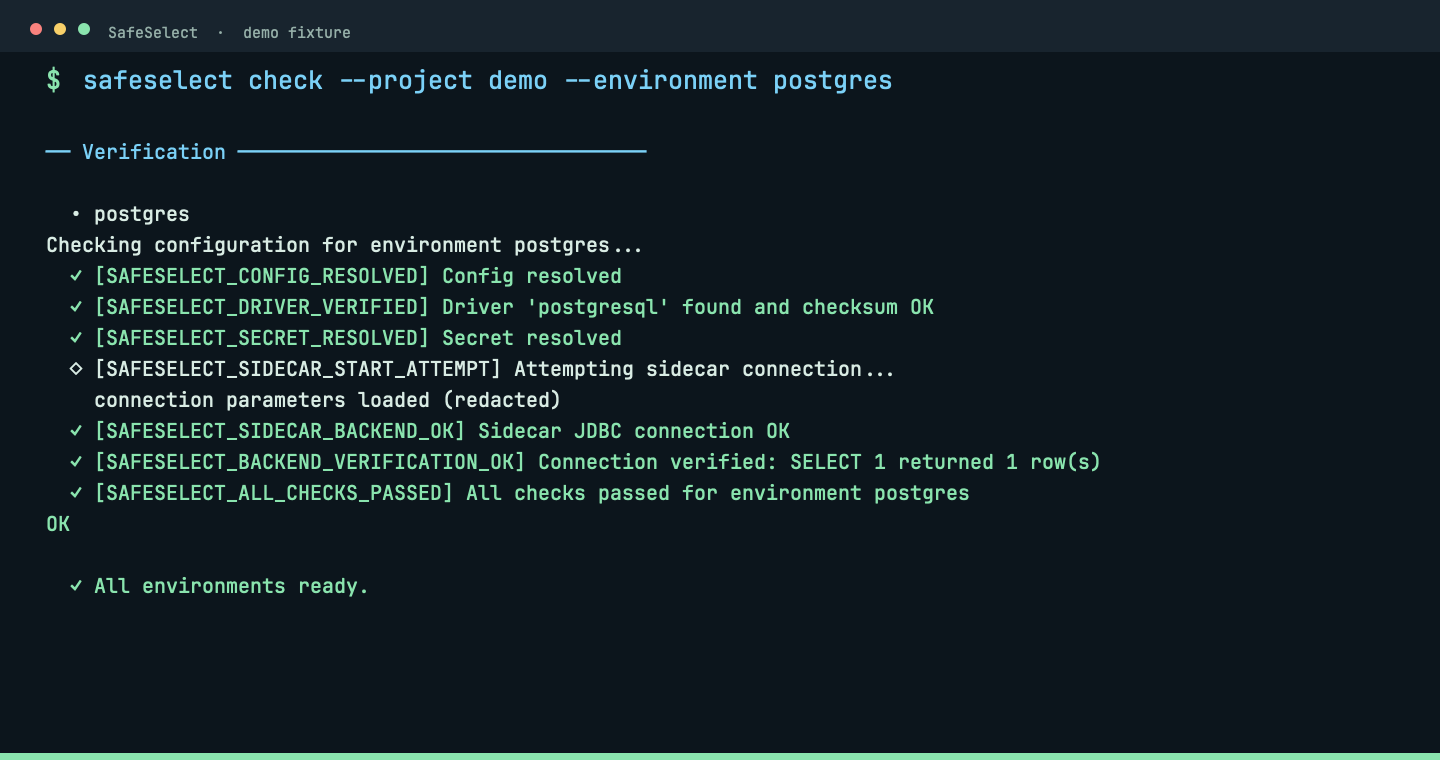
Test configuration, secrets, tunnels, sidecar and backend connectivity.
safeselect checkChecks follow convention and inspect every environment unless one is selected deliberately.
 View full size ↗
Verify and diagnose
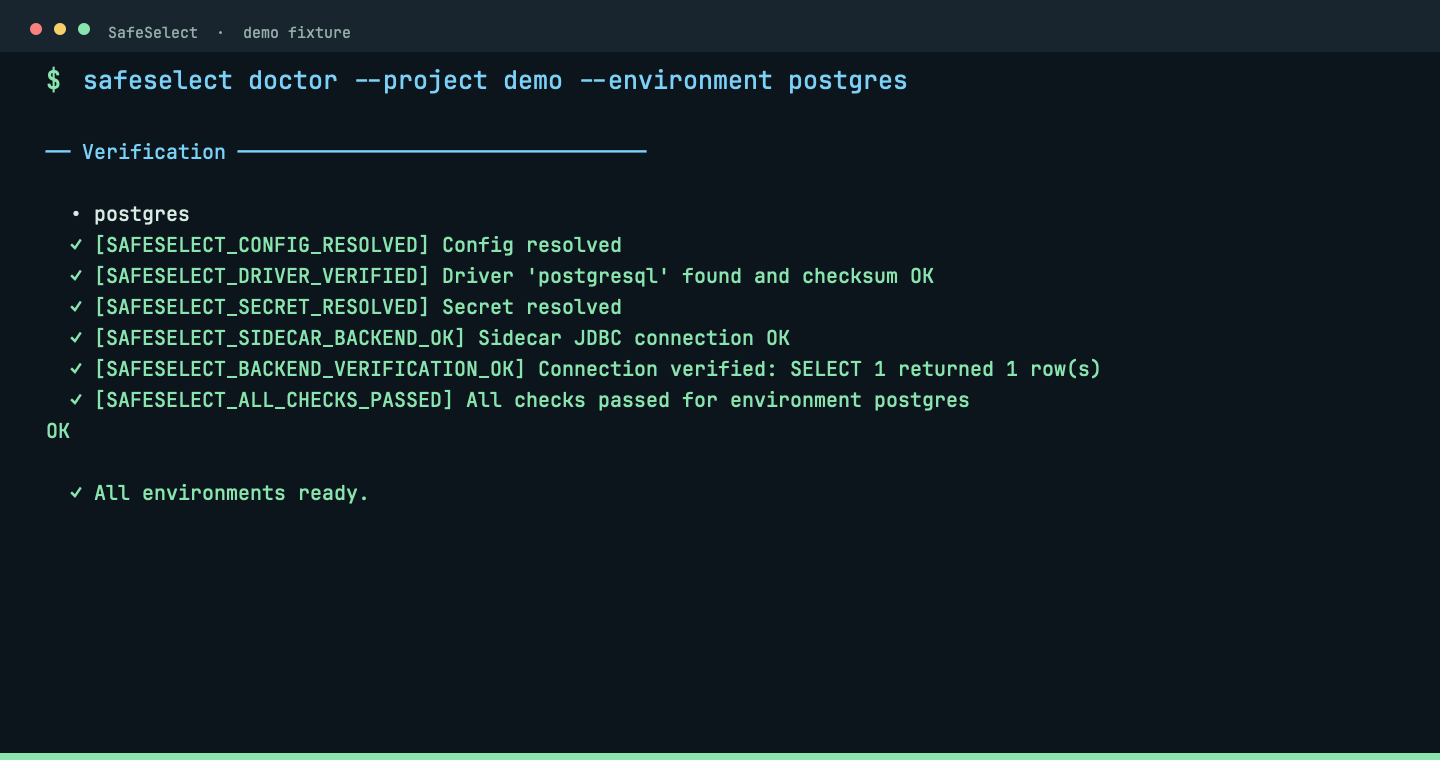
Print concise findings with stable diagnostic codes.
safeselect doctorDoctor turns a failed connection into a short next action instead of a log wall.
 View full size ↗
Verify and diagnose
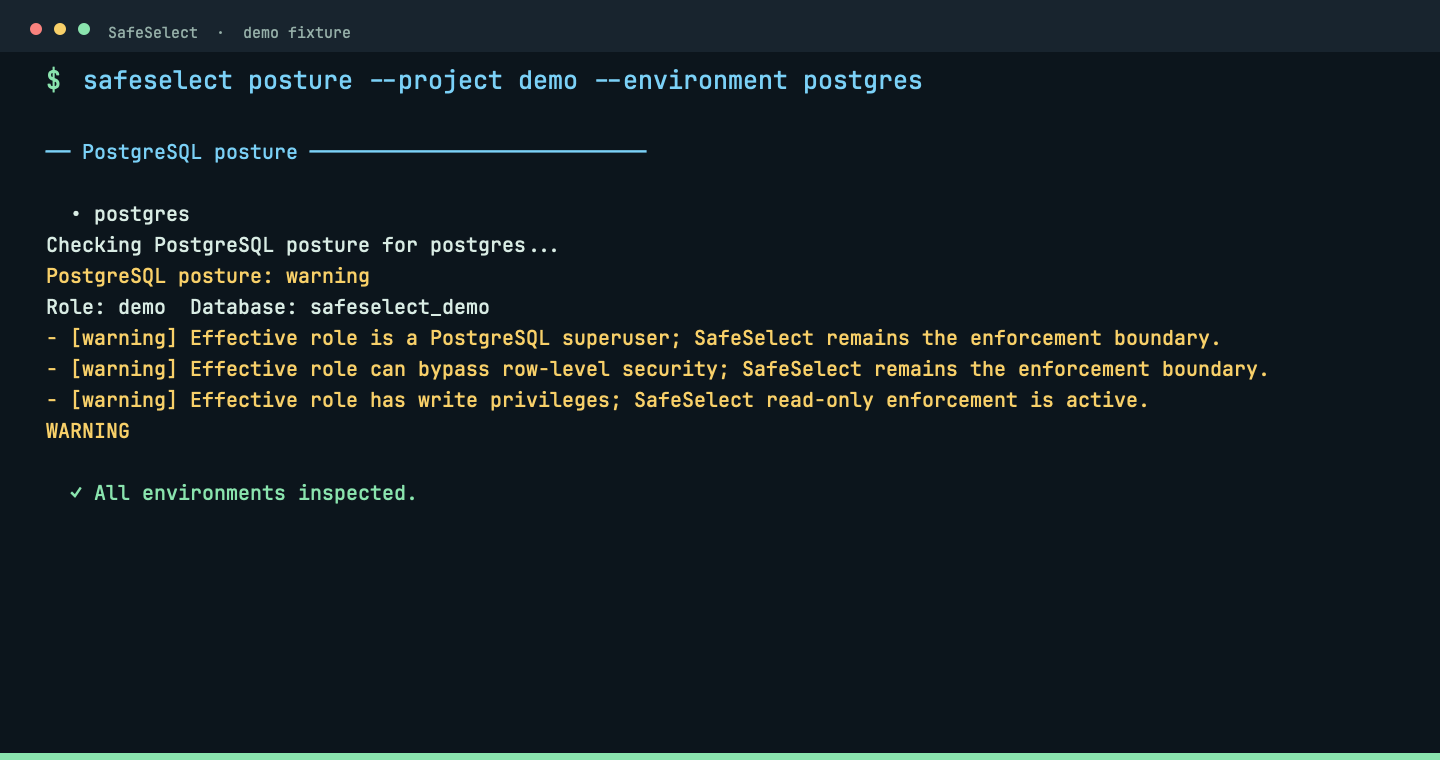
Inspect the effective PostgreSQL security posture.
safeselect posture --strictPosture shows the effective read-only policy, limits and database posture before agent use.
 View full size ↗
Manage a connection
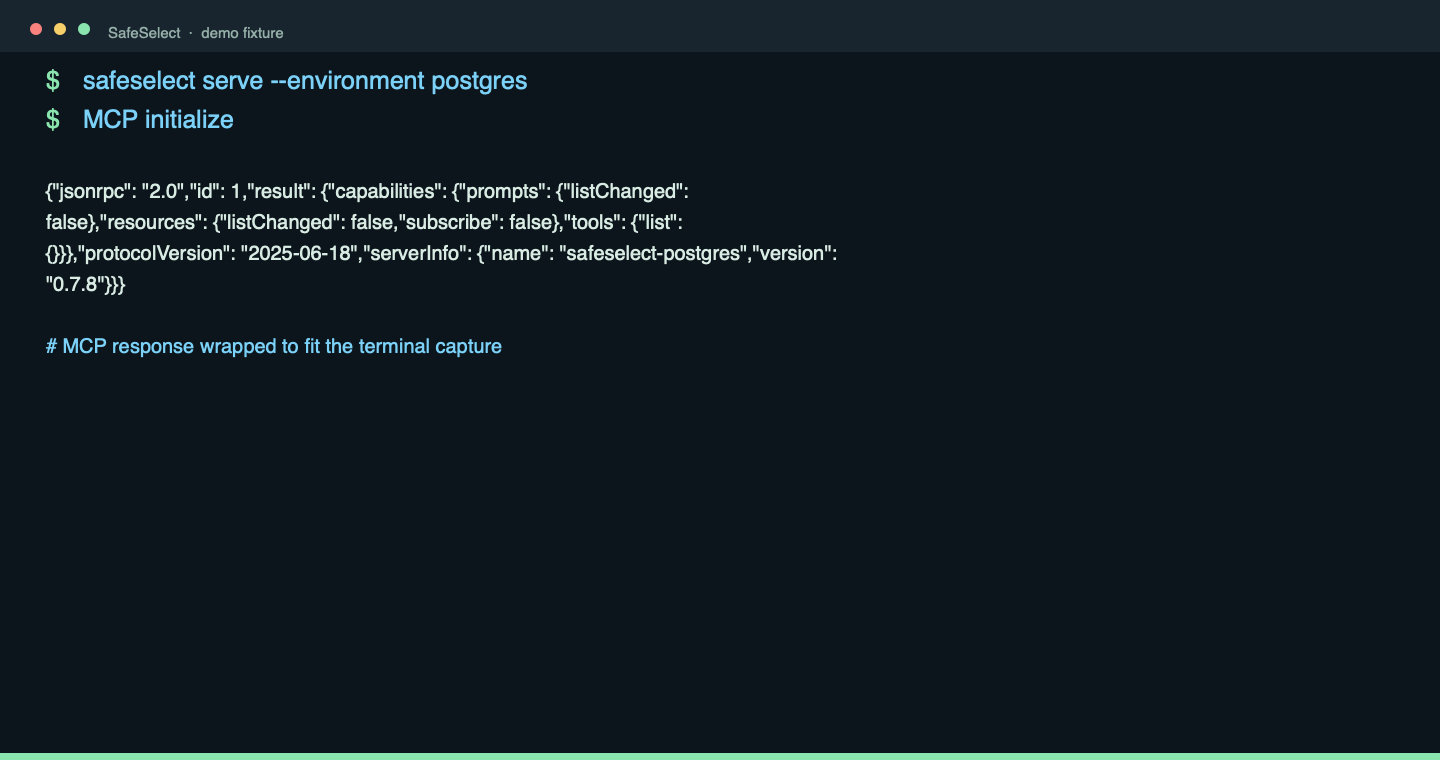
Start the local MCP server for a project environment.
safeselect serveThe server speaks local stdio: the MCP initialize response exposes SafeSelect capabilities, not a network listener.
 View full size ↗
Manage a connection
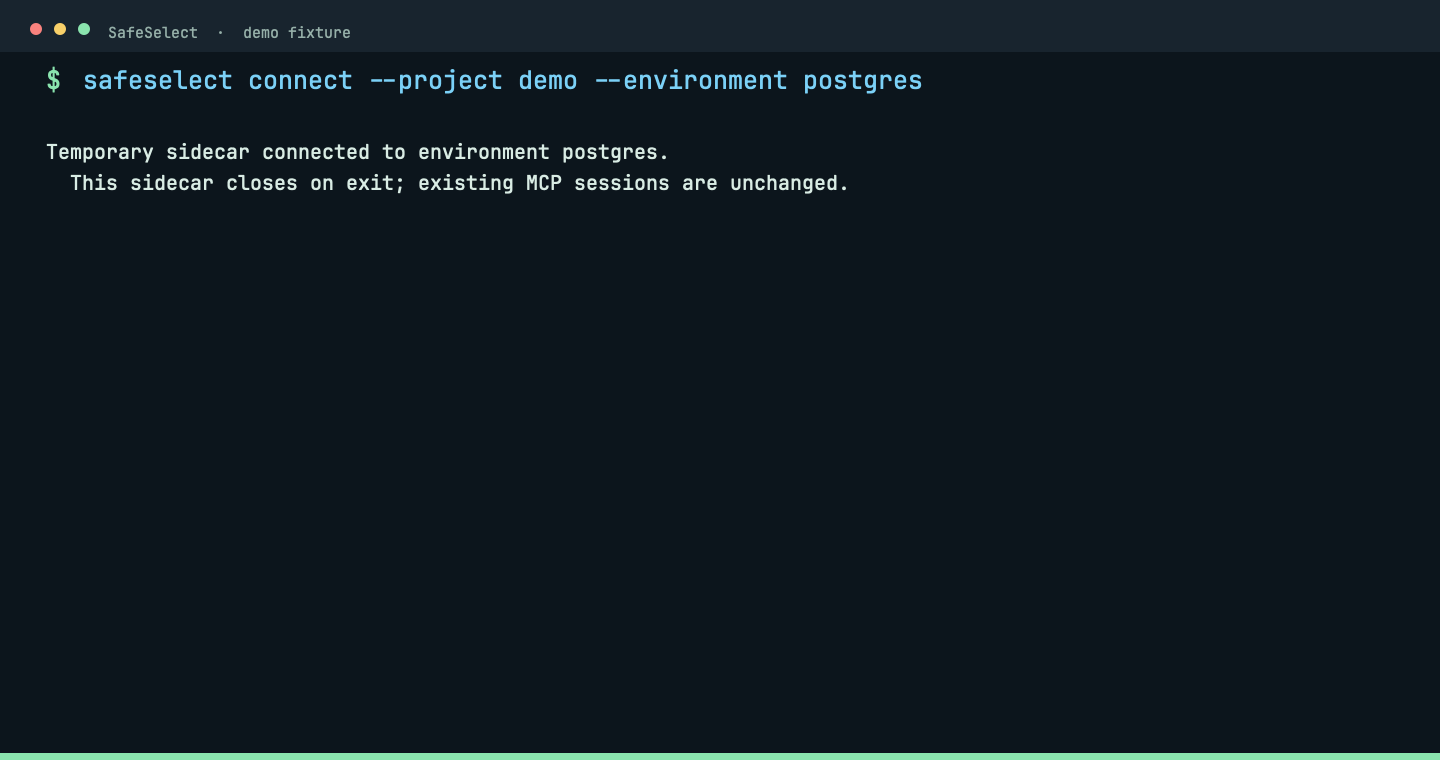
Test a temporary JDBC connection.
safeselect connectConnect verifies the temporary JDBC sidecar against the live fixture without taking over an active MCP session.
 View full size ↗
Manage a connection
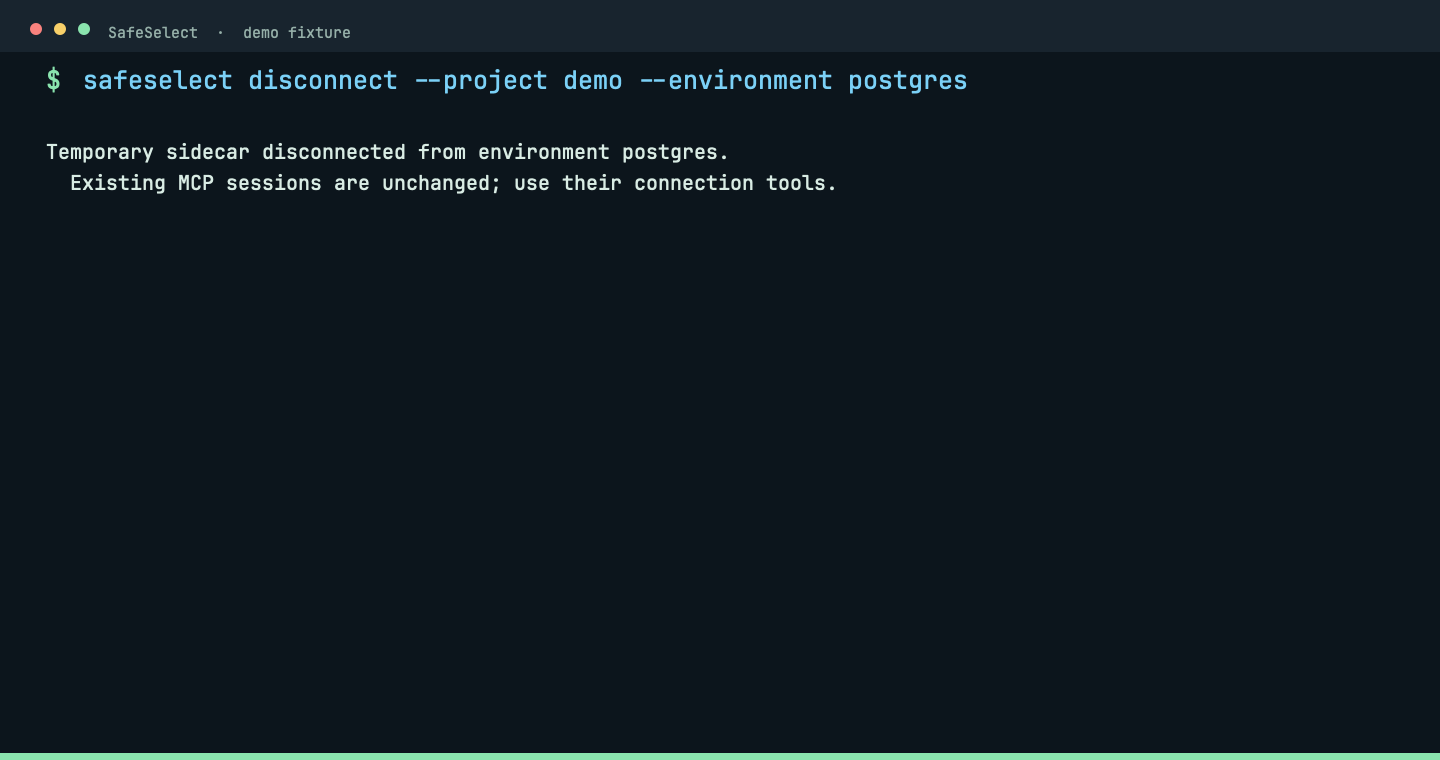
Close a temporary JDBC connection.
safeselect disconnectDisconnect cleanly closes the temporary JDBC sidecar and reports the completed lifecycle step.
 View full size ↗
Manage a connection
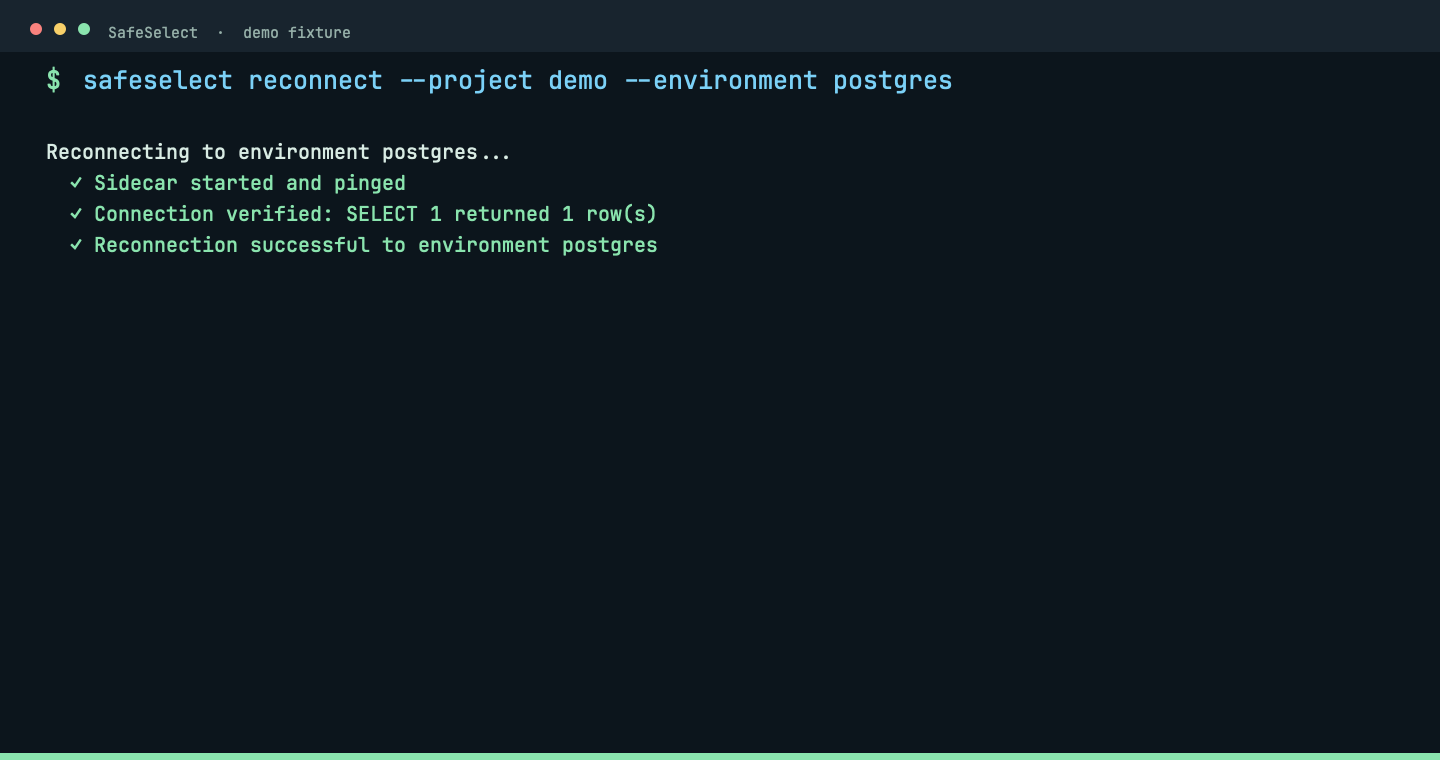
Restart the sidecar and verify connectivity.
safeselect reconnectReconnect restarts the sidecar and verifies the live fixture instead of hiding a stale database.
 View full size ↗
Explore SQL: discover, inspect and diagnose
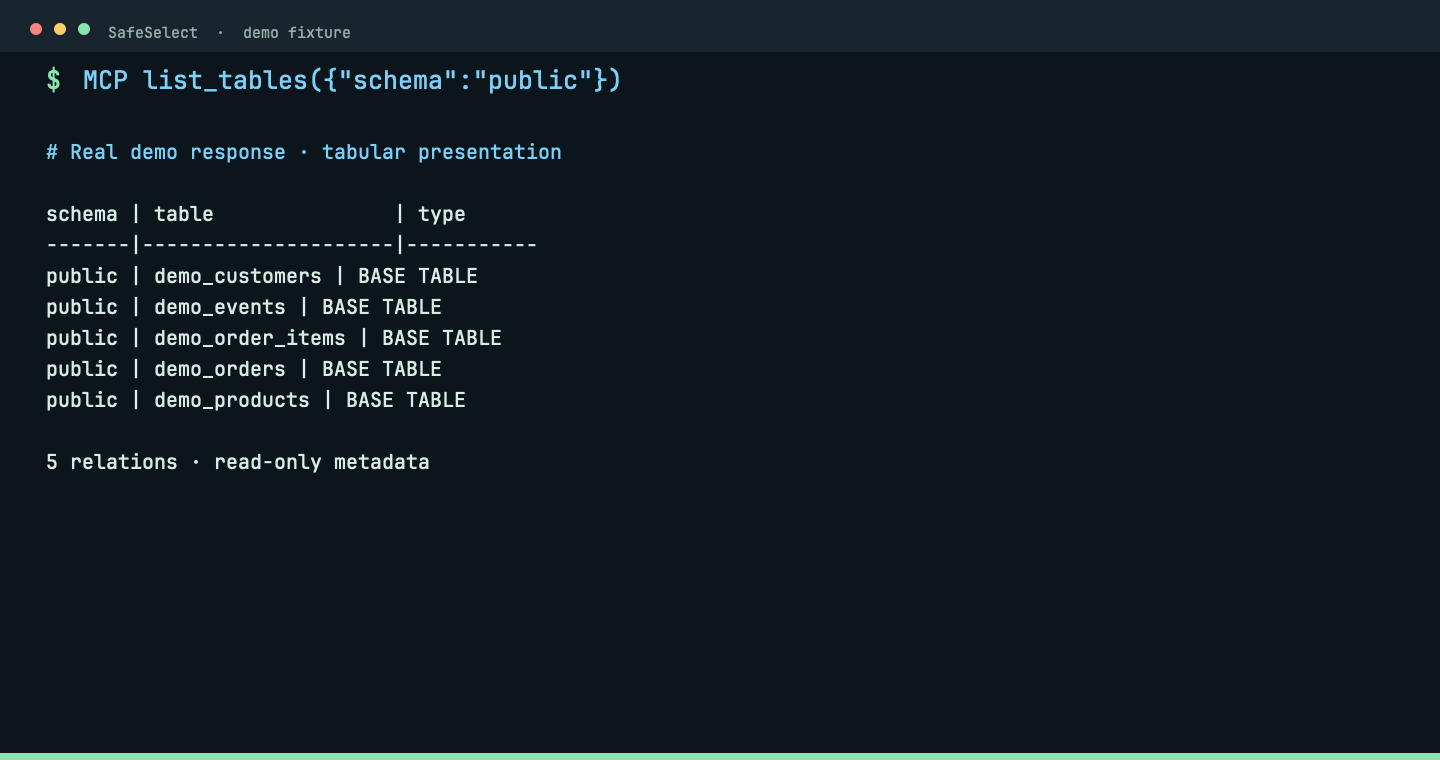
Discover PostgreSQL tables through MCP.
list_tables({"schema":"public"})Real MCP response, formatted as a table: five synthetic relations in public. Discover exact names before inspecting columns.
 View full size ↗
Explore SQL: discover, inspect and diagnose
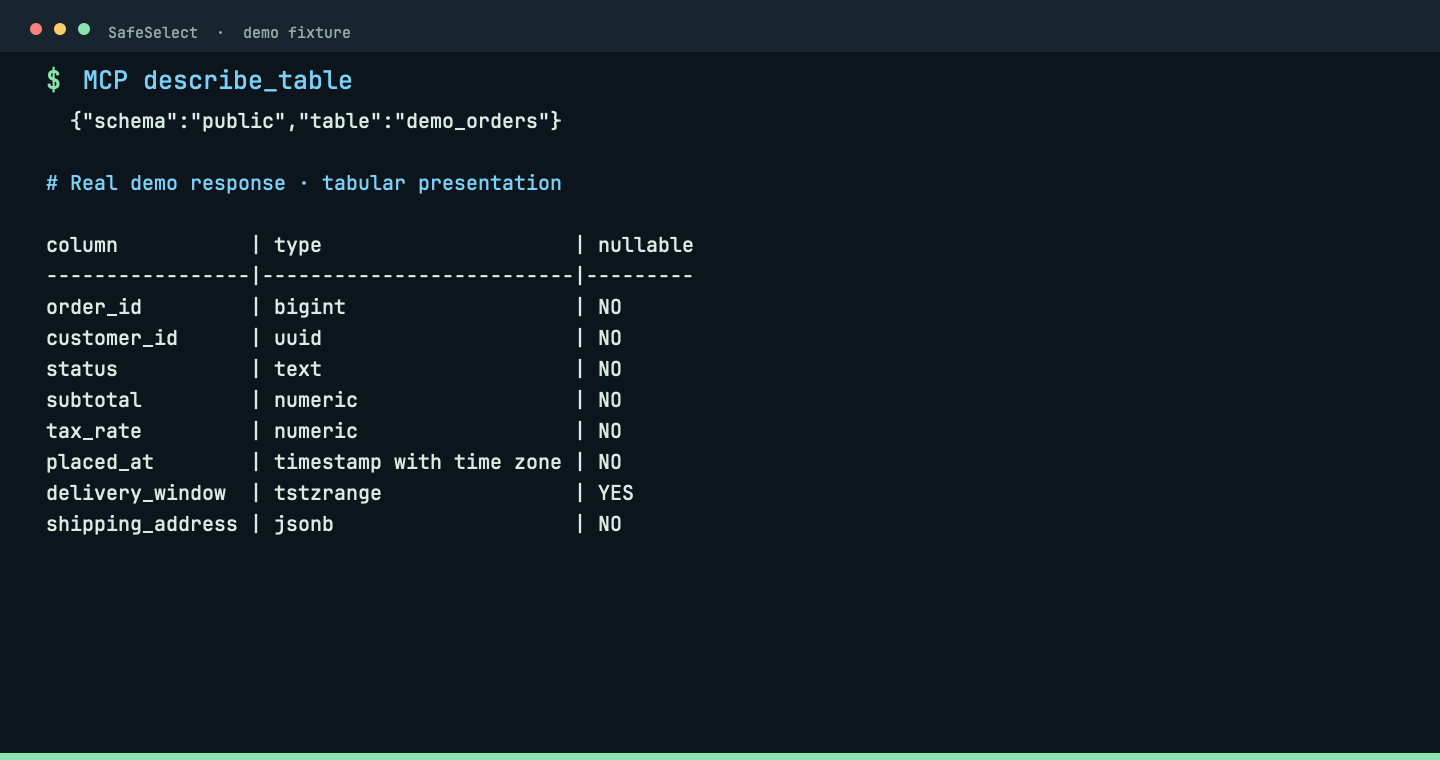
Inspect column names, types and nullability through MCP.
describe_table({"schema":"public","table":"demo_orders"})Real MCP response, formatted as a table: eight columns including UUID, JSONB and a timestamp range. No data rows are queried.
 View full size ↗
Explore SQL: discover, inspect and diagnose
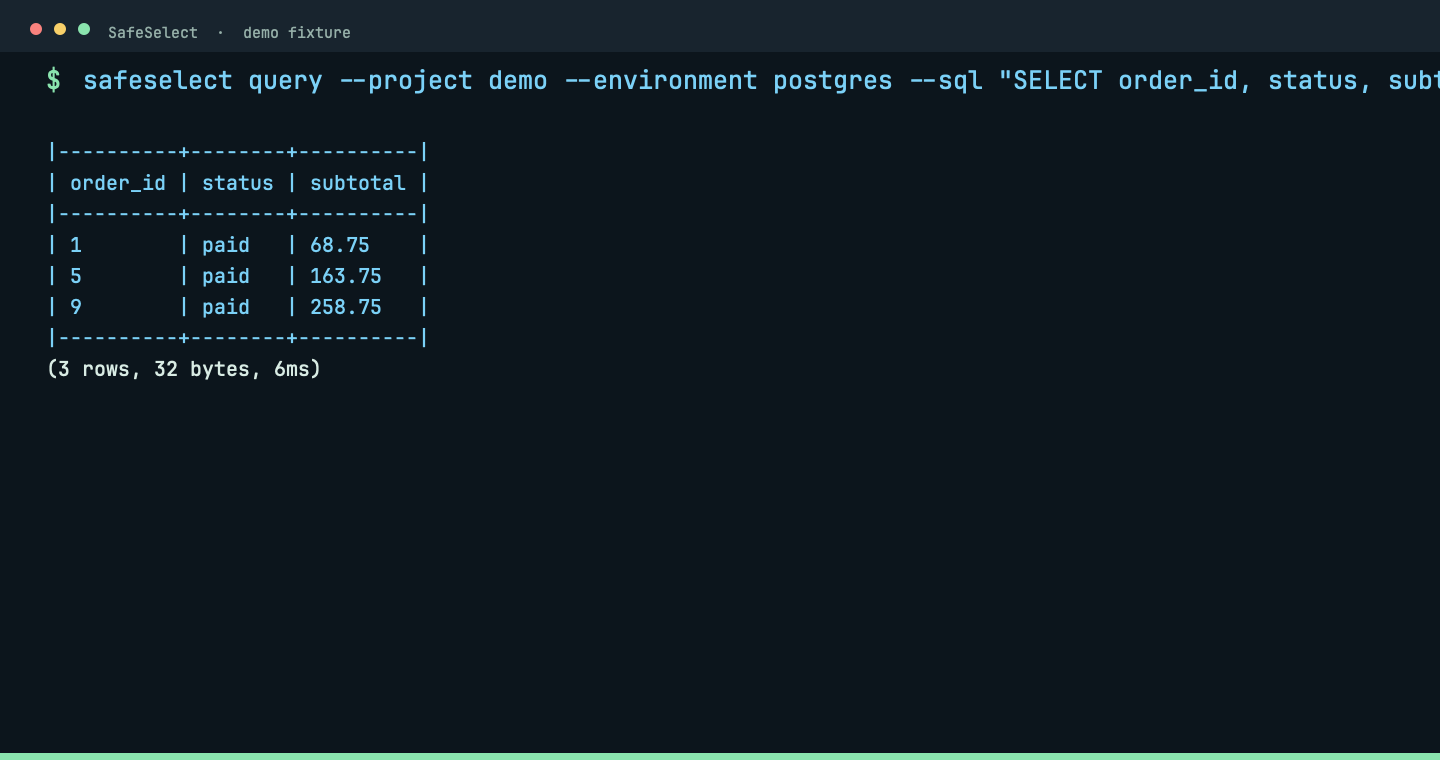
Execute one bounded read-only SQL statement and display its results.
safeselect query --sql "SELECT order_id, status, subtotal FROM public.demo_orders WHERE status = 'paid' LIMIT 3"The bounded SQL request returns three synthetic fixture rows with row and byte counts; writes remain rejected.
 View full size ↗
Explore SQL: discover, inspect and diagnose
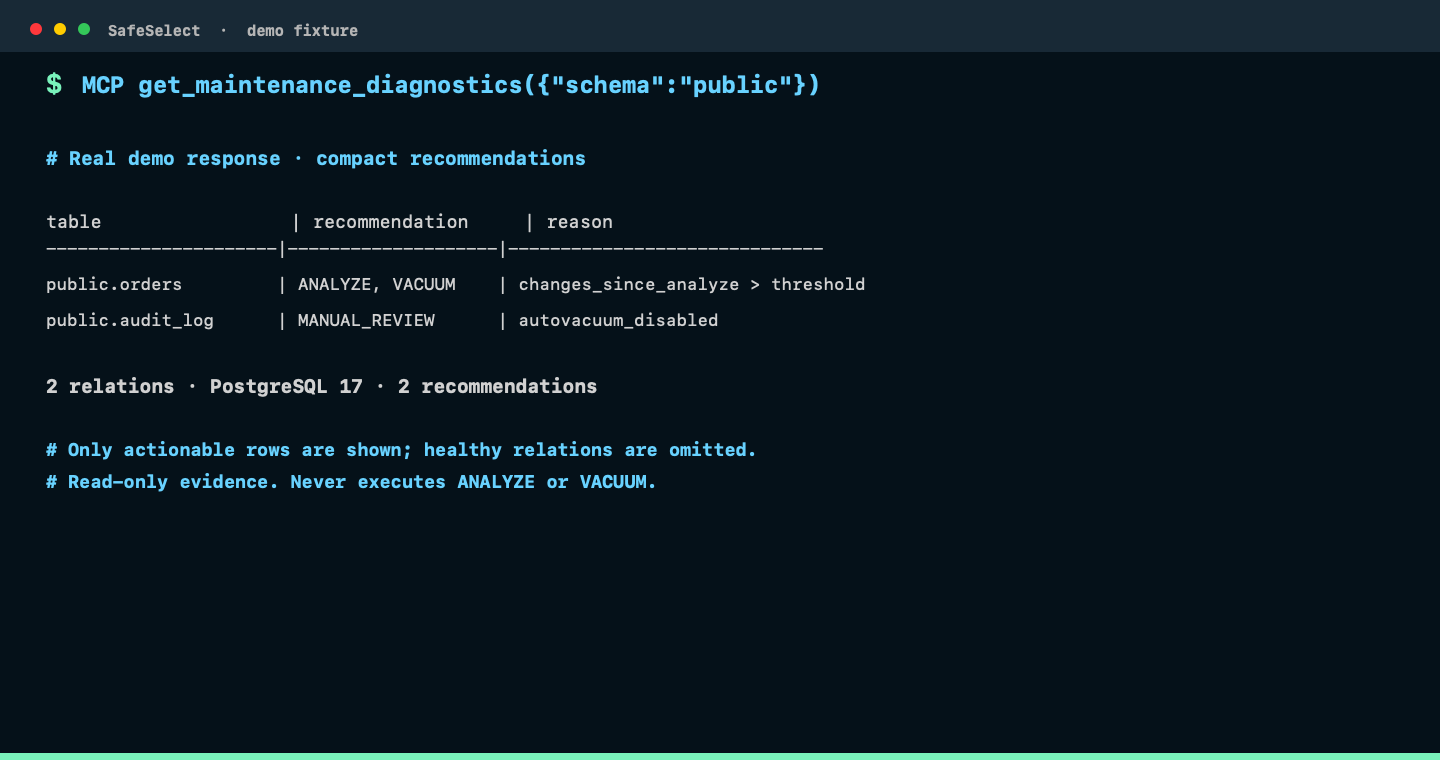
Inspect ANALYZE and VACUUM signals without running maintenance.
get_maintenance_diagnostics({"schema":"public"})Real MCP response: a compact table containing only relations with an ANALYZE, VACUUM, or manual-review recommendation, plus summary counts. This read-only diagnostic never executes maintenance.
 View full size ↗
Explore NoSQL
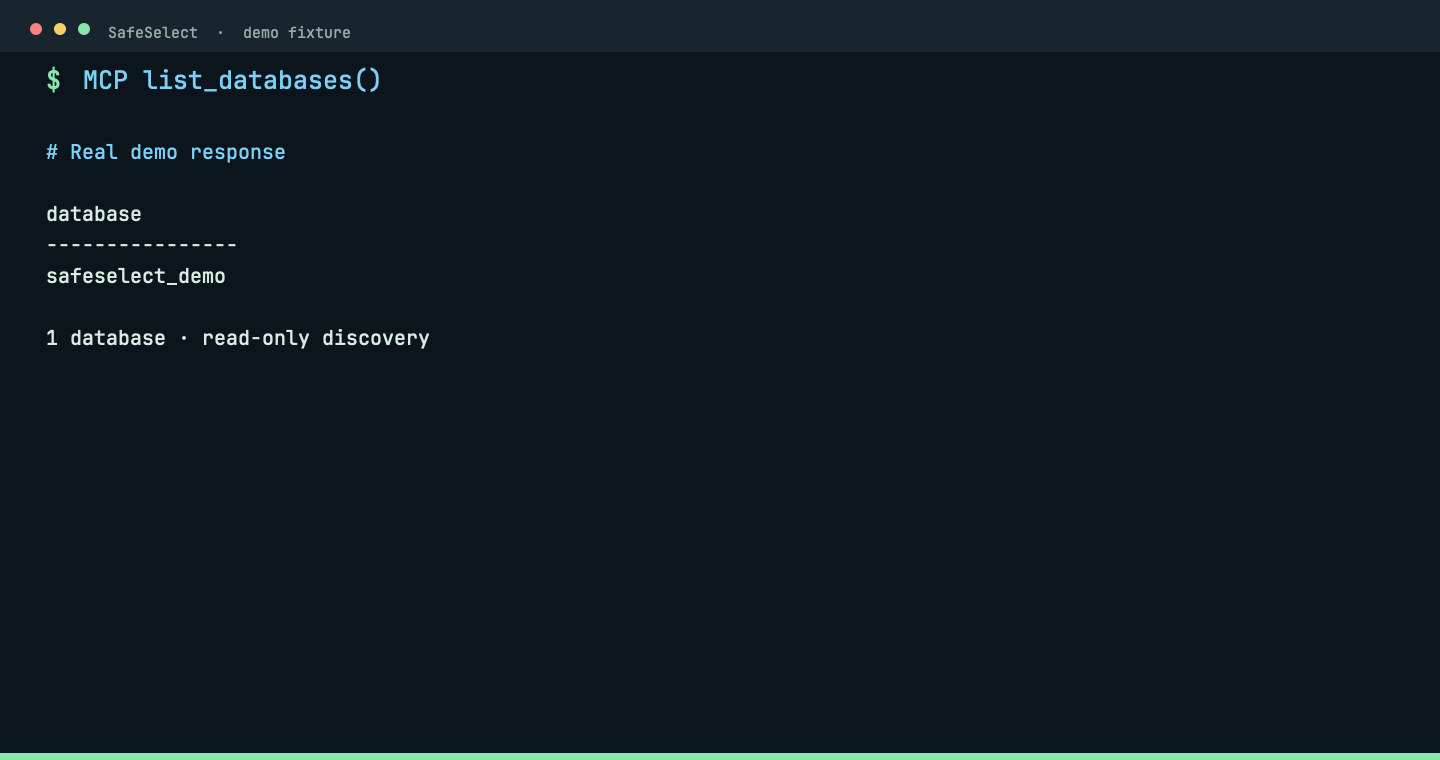
Discover MongoDB databases through MCP.
list_databases()Real MCP response: the isolated demo exposes one allowed database. Choose it before discovering collections.
 View full size ↗
Explore NoSQL
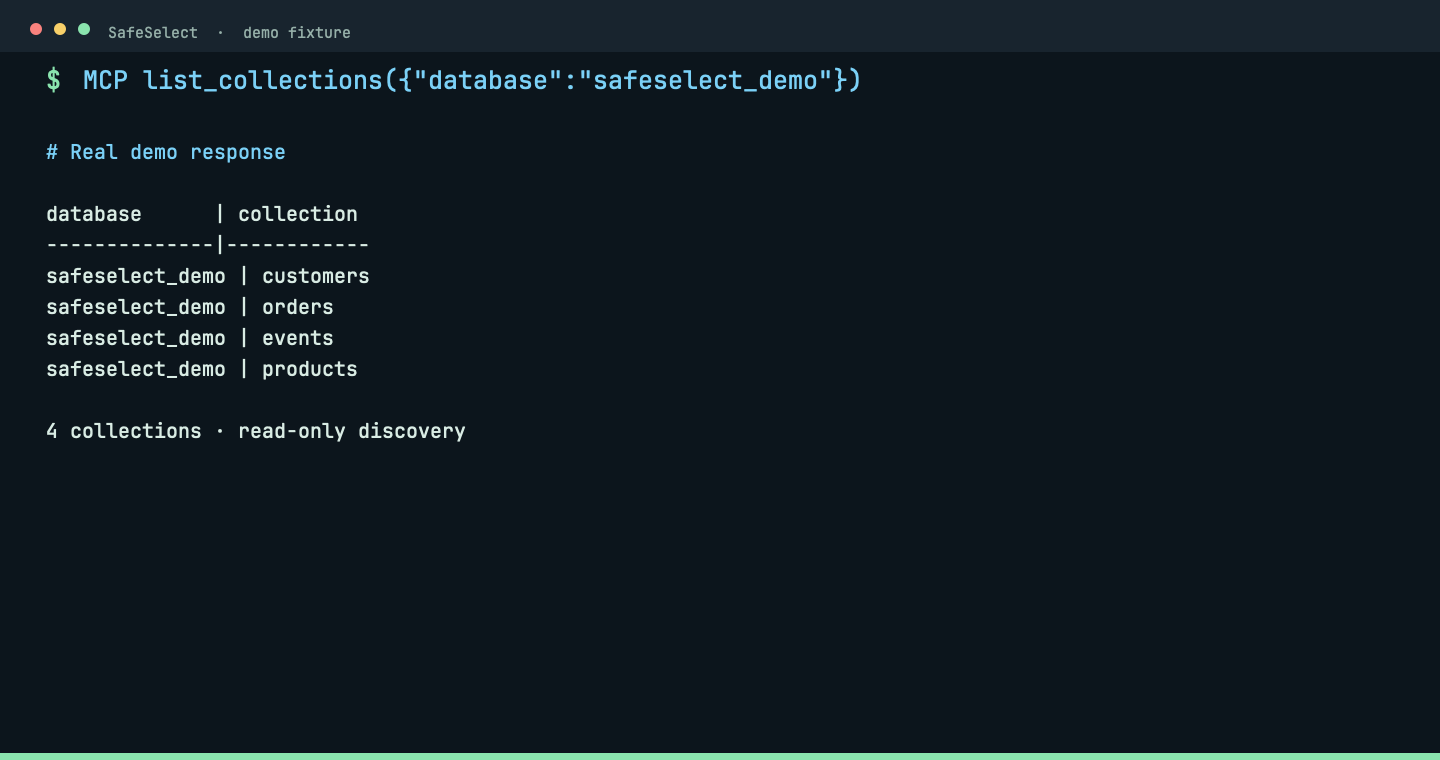
Discover collections in an allowed MongoDB database.
list_collections({"database":"safeselect_demo"})Real MCP response: four synthetic collections are listed without reading documents.
 View full size ↗
Explore NoSQL
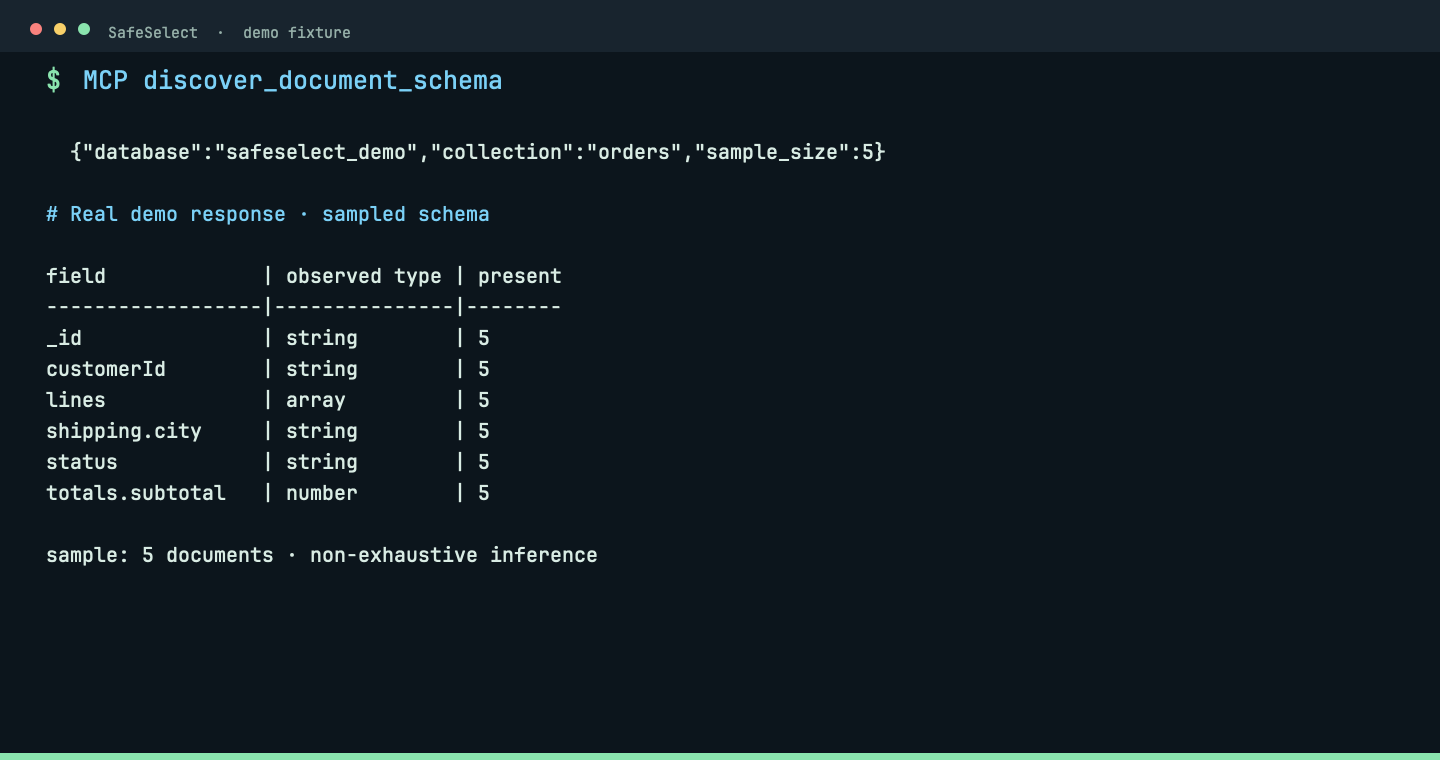
Infer frequent fields and types from a bounded MongoDB sample.
discover_document_schema({"database":"safeselect_demo","collection":"orders","sample_size":5})Real MCP response: sampled fields and observed types guide the next bounded read; inference is explicitly non-exhaustive.
 View full size ↗
Explore NoSQL
Read bounded MongoDB documents with an explicit filter.
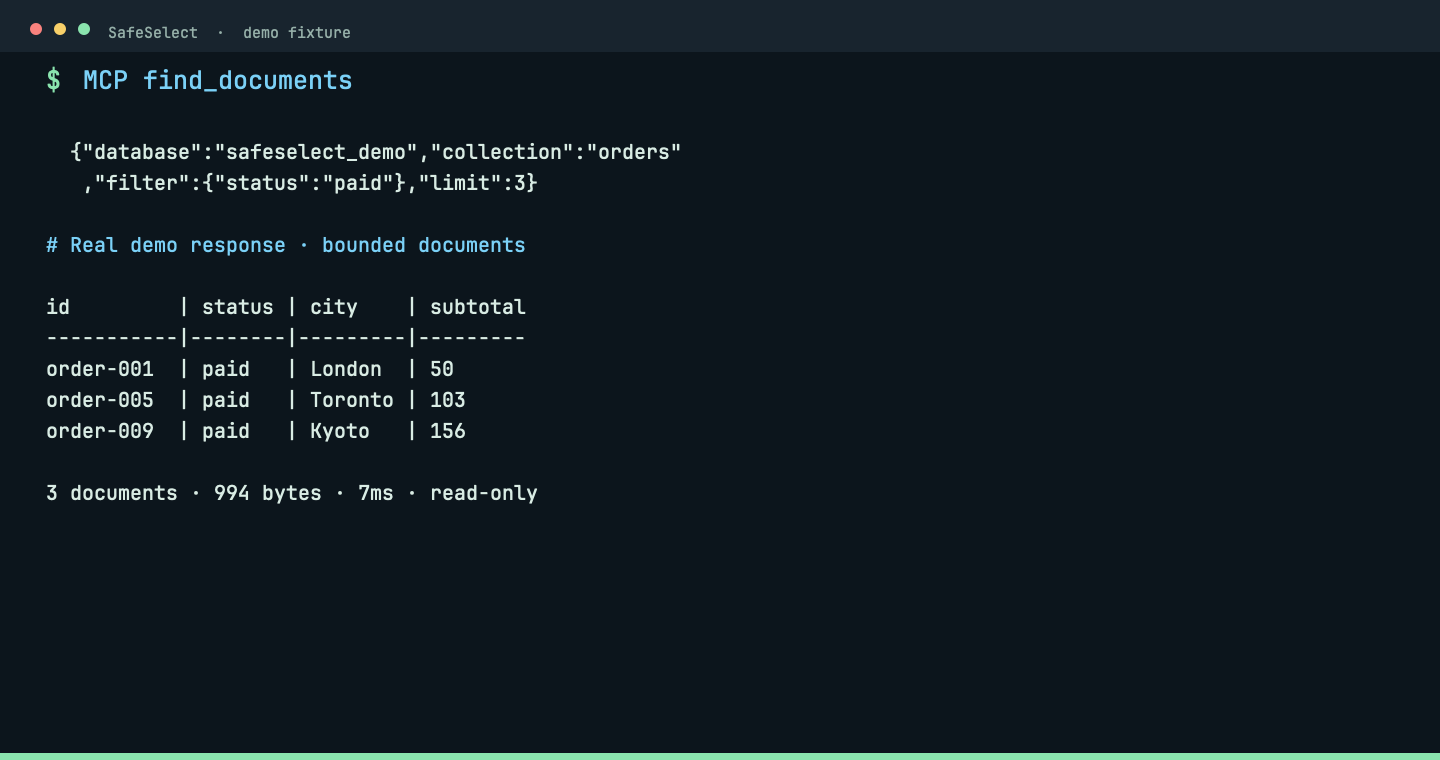
find_documents({"database":"safeselect_demo","collection":"orders","filter":{"status":"paid"},"limit":3})Real MCP response: three paid orders, 994 bytes, returned in 7ms. The filter and limit keep the read bounded.
 View full size ↗
THE WHOLE ONBOARDING, NOT A MOCKUP
The recorded walkthrough uses Homebrew, a DBeaver SSH connection, macOS Keychain and OpenCode. It shows a successful read and a rejected write against disposable demo data.

Prefer text? Use the step-by-step Codex guide. The recording uses OpenCode; the guide explains Codex setup separately.
CHOOSE THE RIGHT TOOL
DBHub, MongoDB MCP, Postgres MCP Pro and SchemaBrain solve different problems. Compare their documented contracts and tradeoffs.
Compare approaches →Tools, execution controls, sensitive reads, resource limits and failure behavior are separate questions.
Read the checklist →Inspect the adversarial suite and its disposable-fixture contract. A green badge is not a universal security guarantee.
Explore the tests →DELIBERATE LIMITS
No. Use least-privilege roles. SafeSelect constrains its own tool surface, not other connections, shell access or a compromised host.
No. The agent can see authorized results. Choose permitted schemas and collections carefully; use sanitized data when appropriate.
No. MCP runs locally over stdio. PostgreSQL and MongoDB are the supported backends. The embedded Java sidecar requires Java 17+.
BUILD TRUST WITH EVIDENCE
Start with the documented guarantees, limits and disposable security fixtures—not a claim that any database connection is risk-free.
Read the Security Proof →Compare approaches →